Budget PC Build Guide: Comparing the Angxun H510 and A320
How both the Angxun H510 and A320 boards have their strengths and trade-offs. It depends a lot on what kind of build you’re planning (Intel vs AMD, how much performance you need, what features matter). Here’s a breakdown + my take — plus some comparable mainstream board references so you can contextualize.
What the Angxun H510 Offers
Key Specs:
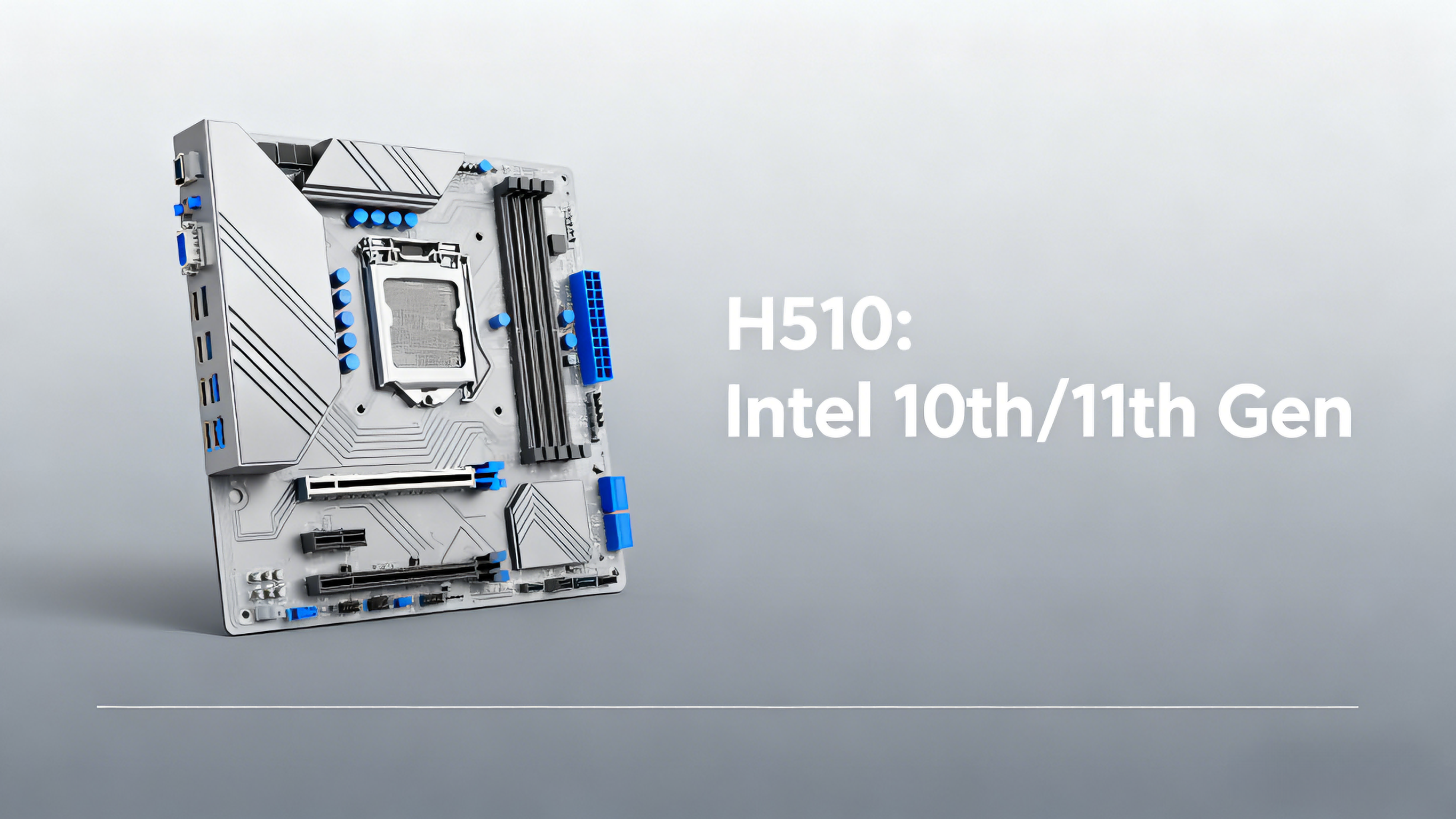
Model: H510 VD4 / H510-VD4-V2.0.
CPU: Supports Intel 10th & 11th Gen LGA 1200 series (i3/i5/i7, etc.).
Memory: 2 × DDR4 DIMM, up to 64 GB, up to 3200 MHz (per Angxun spec).
Storage: 4 × SATA 3.0 + 1 M.2 slot (KEY E).
Display: VGA + HDMI outputs, dual-display support.
Network: Gigabit LAN.
Other: 6 USB 2.0, 4 USB 3.0 (per their spec)
Protection / Build: Angxun notes “all-solid capacitors,” “zero burning protection circuit,” copper-plated PCB, and a well-cooling aluminum base for the board.
Pros:
Good for Intel budget builds: You can pair it with 10th/11th-gen Intel CPUs without spending on a higher-tier chipset.
Decent memory support: 64 GB is solid for most builds unless you're doing highly memory-demanding workloads.
Compact but usable: Micro-ATX-like size (170 mm × 216 mm per spec) gives flexibility for smaller builds.
Basic but enough I/O: Enough SATA + M.2 + USB for many users who aren't doing heavy expansion.
Cons / Limitations:
Limited VRM / power delivery: As a budget board, it's reasonable to assume simpler VRMs. That means it's not ideal for heavy power draw or sustained overclocking.
No high-end features: No PCIe 4.0 (since H510 is older / lower-tier), limited PCIe expansion.
M.2 slot type: The M.2 is “KEY E” per spec, which is typically used for Wi-Fi cards or specific SSD types — not necessarily a full NVMe x4 SSD slot. (Double-check spec sheet!)
Basic connectivity: Only 4 SATA ports might limit large storage builds.
What the Angxun A320 (AM4) Offers
Key Specs:
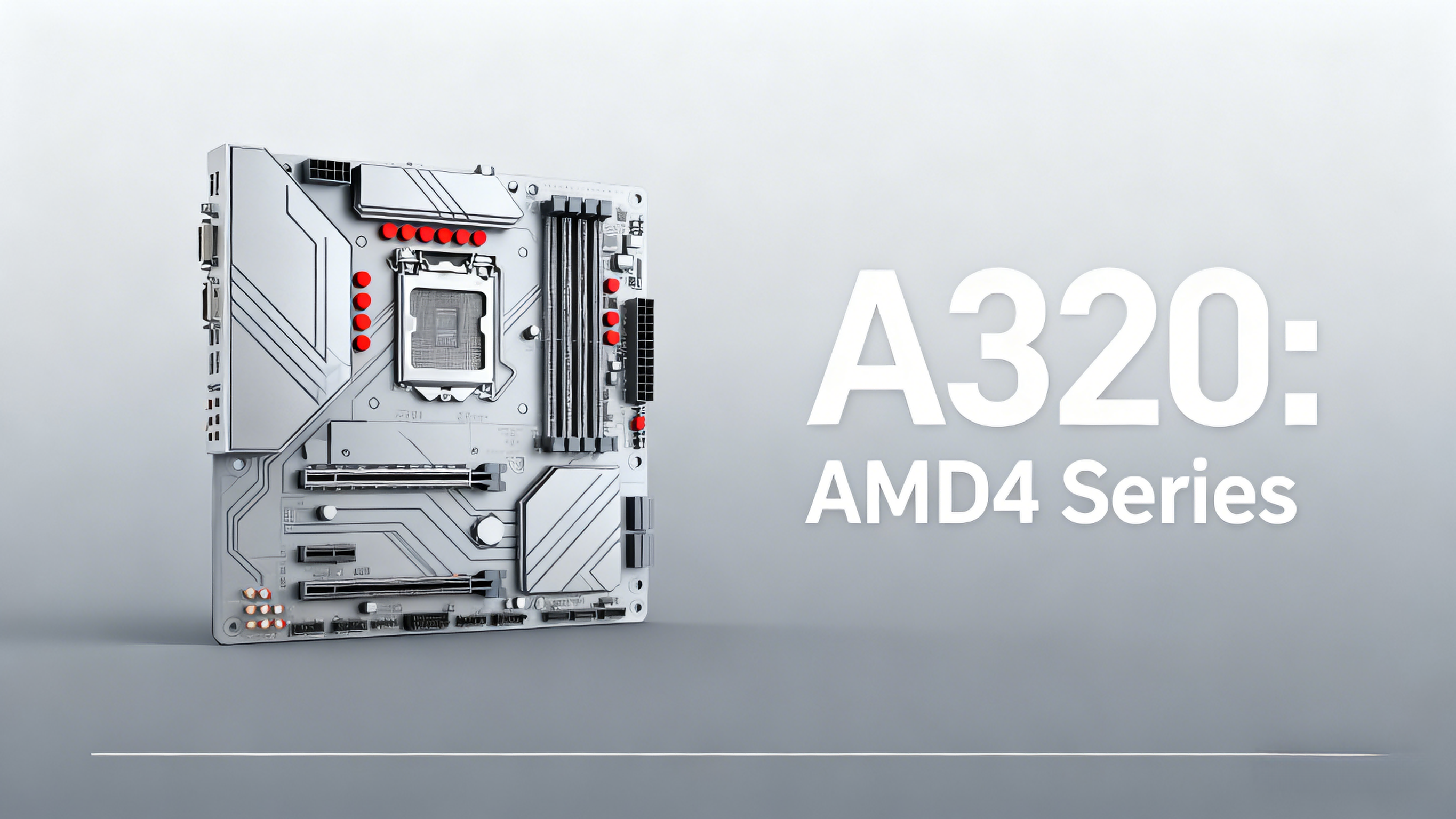
Model: A320M AM4.
CPU: Supports AMD AM4 — Ryzen (1000–5000) and Athlon series.
Memory: 2 × DDR4 DIMM, up to 32 GB per their spec sheet.
Storage: 4 × SATA 3.0, 1 × M.2 (2280/2240) with “automatic switching” between M.2 / NGFF.
Display: HDMI + VGA output.
Network: 1 × Gigabit LAN.
PCIe: 1 × PCIe x16, 1 × PCIe x1.
Power: 24-pin ATX + 8-pin CPU power.
Other: Angxun use “all-solid electric capacitor,” “PCB copper plating,” “independent power supply … for CPU,” and “zero burning protection.”
Pros:
Very budget-friendly AM4 option: Good if you want to build a very cheap Ryzen / Athlon-based system.
Full SATA + M.2 coverage: 4 SATA ports is solid for storage; plus an M.2 slot is a plus for NVMe / modern SSDs (depending on the board’s M.2 mode).
Simple but effective: For office PCs, budget gaming, or lightweight workloads, this board can do the job.
Good build quality claims: According to Angxun, solid capacitors and good PCB construction — helps reliability even on a cheap board.
Cons / Limitations:
Limited memory: 32 GB max per spec from Angxun might limit more heavy-duty uses.
No overclocking: A320 is a low-end chipset that doesn’t support overclocking, which limits performance tuning.
Fewer PCIe and expansion lanes: Only 1 x16 and 1 x1 means limited expansion for GPUs + cards.
Performance ceiling: For high-end Ryzen CPUs, a more robust board (B450, B550) would be better for VRMs, upgrades, and performance.
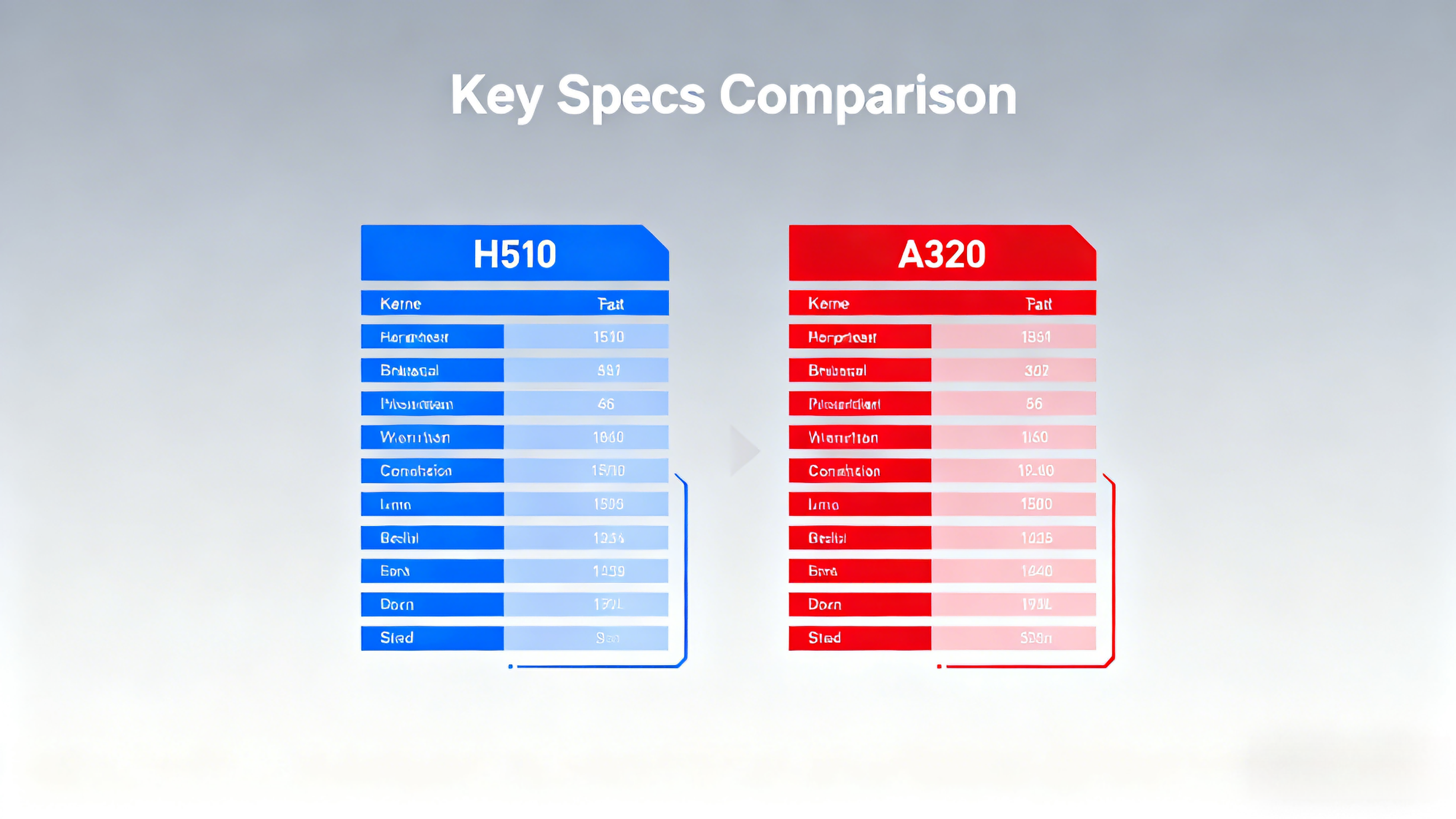
Comparable Mainstream Models (for Context)
Here are some non-Angxun motherboards in similar segments to compare (so you can gauge value):
My Verdict: Which Is “Better” for Different Use Cases
Go with the Angxun H510 if you’re building an Intel 10th / 11th gen system on a tight budget, don’t need heavy overclocking, and want basic but reliable features.
Go with the Angxun A320 if you prefer AMD Ryzen (or Athlon) and are okay with a very basic board that’s built for affordability, not performance tuning.
If you plan to upgrade in the future (better CPU, more RAM, more PCIe cards), you might want to consider stepping up to a B-series (like B450, B550) for AMD or a higher-tier chipset for Intel for better VRMs and expansion — but that will cost more.