Why Do Driver Conflicts Only Appear After OS Updates?
For many IT teams, OS updates are supposed to be routine.
Patch security vulnerabilities.
Improve performance.
Maintain compliance.
Yet in real-world deployments, system upgrades often trigger a familiar nightmare:
NICs disappear after reboot
RAID controllers fail to initialize
GPUs fall back to generic drivers
Industrial I/O cards stop responding
Previously stable systems begin crashing or throttling
The question is not whether this happens — but why it happens so often, and only after OS updates.
From the perspective of a motherboard and system-level hardware manufacturer, the root cause is rarely the OS alone. The real issue lies deeper: driver dependency chains that were never fully controlled or validated.
The Illusion of Stability Before an OS Update
Before an upgrade, systems appear stable because:
Drivers were installed incrementally over time
Firmware, BIOS, and OS versions “happen to work together”
Conflicts exist — but remain dormant
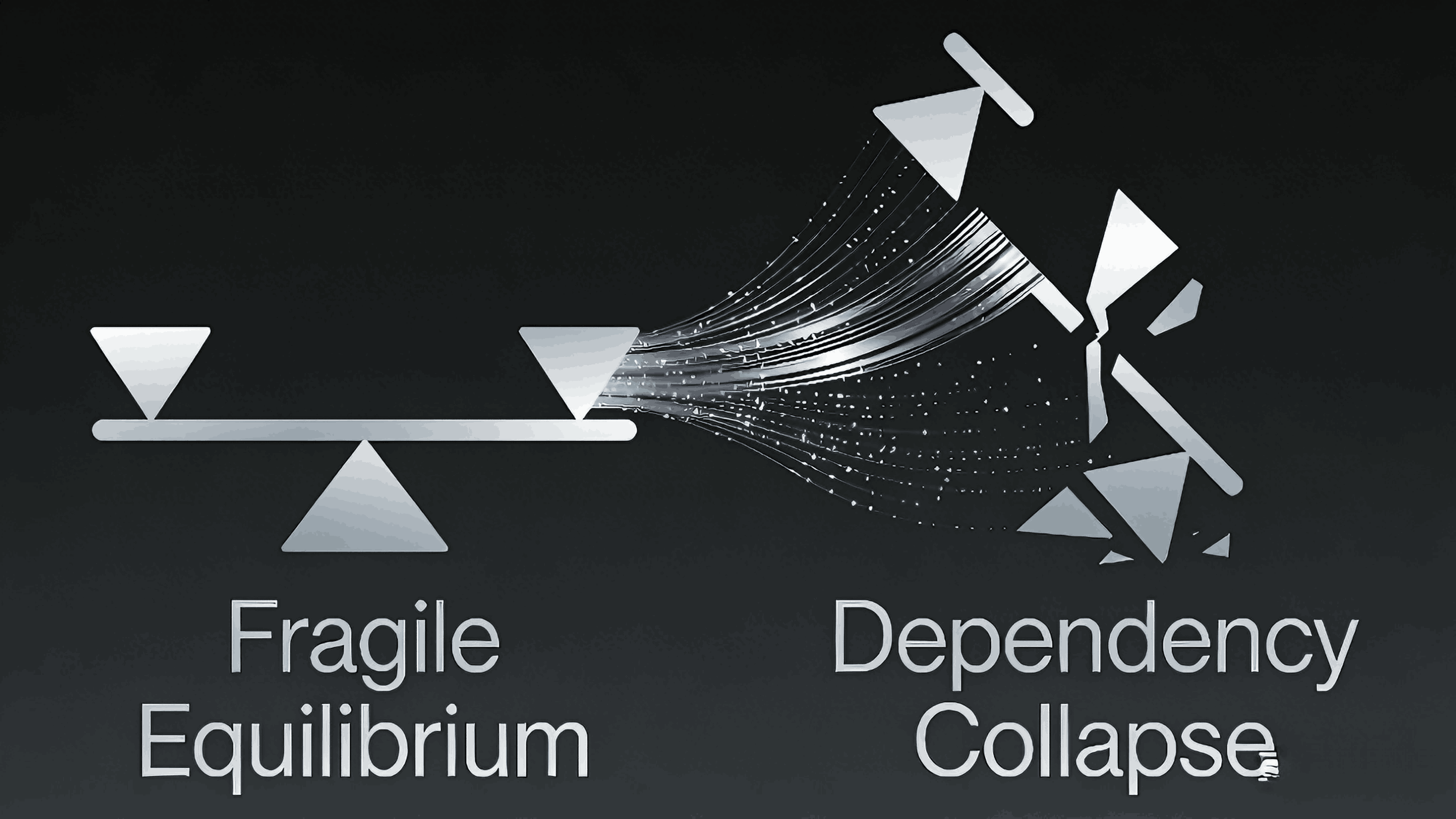
In other words, many systems run in a fragile equilibrium.
An OS update disrupts that balance by changing one or more of the following:
Kernel version and driver models
Driver signing and security policies
Default driver selection priorities
Power management behavior
Device enumeration order
When that happens, latent incompatibilities are suddenly exposed.
Why Driver Conflicts Surface After the Update
1. Kernel-Level Driver Model Changes
Modern OS updates frequently modify kernel APIs.
Drivers compiled or validated against older kernels may:
This is especially common with:
2. Automatic Driver Replacement by the OS
Many OS updates silently introduce:
As a result, the OS may replace a vendor-validated driver with a newer but less compatible generic one.
The system boots — but performance, stability, or functionality degrades.

3. Firmware–Driver Mismatch Becomes Visible
Before the update:
After the update:
Common symptoms include:
RAID arrays dropping offline
PCIe devices failing link training
Thermal sensors misreporting values
BMC/IPMI communication instability
The OS update doesn’t create the mismatch — it simply reveals it.
4. Security Hardening Breaks Legacy Assumptions
OS vendors increasingly enforce:
Drivers that relied on legacy behaviors may:
Load but fail at runtime
Be blocked entirely
Trigger system crashes
This is particularly critical in industrial and long-lifecycle deployments.

Why This Is a System Architecture Problem — Not a Patch Problem
The common reaction is to blame:
“A bad update”
“An unstable OS”
“A driver bug”
But in reality, the failure originates from uncontrolled configuration drift.
Over time:
Drivers are updated ad hoc
Firmware is upgraded selectively
BIOS settings are modified manually
Hardware revisions are mixed
The OS update simply acts as a stress test for an already fragile system state.
How Predictable Deployments Avoid Post-Upgrade Failures
In high-reliability environments, successful teams do not rely on “flexible compatibility.”
They rely on:
Pre-Validated Driver & Firmware Matrices
Each OS version is paired with:

Baseline Configuration Templates
Every system is deployed from the same:
Driver bundle
Firmware baseline
OS image
Controlled Upgrade Paths
OS updates are:
Tested against known hardware configurations
Validated before fleet-wide rollout
Reversible if conflicts are detected
From a manufacturer’s perspective, predictability beats theoretical compatibility every time.
Final Thought: OS Updates Don’t Break Systems — Unvalidated Systems Break Under Updates
If driver conflicts only appear after OS upgrades, the update is not the root cause.
It is the first moment your system is forced to prove whether it was truly compatible in the first place.
Stable systems are not defined by how long they run untouched —
but by how predictably they survive controlled change.