Most people think “BIOS customization” means swapping out the boot logo.
But in real OEM/ODM work, BIOS customization is one of the most powerful ways to tailor hardware behavior to a specific industry, product, or workload..
At Shenzhen Angxun Technology Co., Ltd., we’ve spent 24 years building Intel/AMD motherboards and industrial platforms for brands across the globe. Custom BIOS work is one of the most frequent requests we get — and for good reason.
A customized BIOS can drastically improve user experience, security, boot speed, and hardware reliability.
This post breaks down what BIOS customization actually includes (hint: it’s a lot more than splash screens).
1. Custom Boot Experience
Yes, logos are the obvious one. But we can go much deeper:
Custom OEM boot logo (static or animation)
Adjusted POST behavior (text vs. silent boot)
Customized boot order priority
Enforced boot devices (eMMC/NVMe only, no USB)
Fast-boot profiles tailored for specific hardware setups
For commercial devices and branded products, a clean, controlled boot process is part of the product identity.
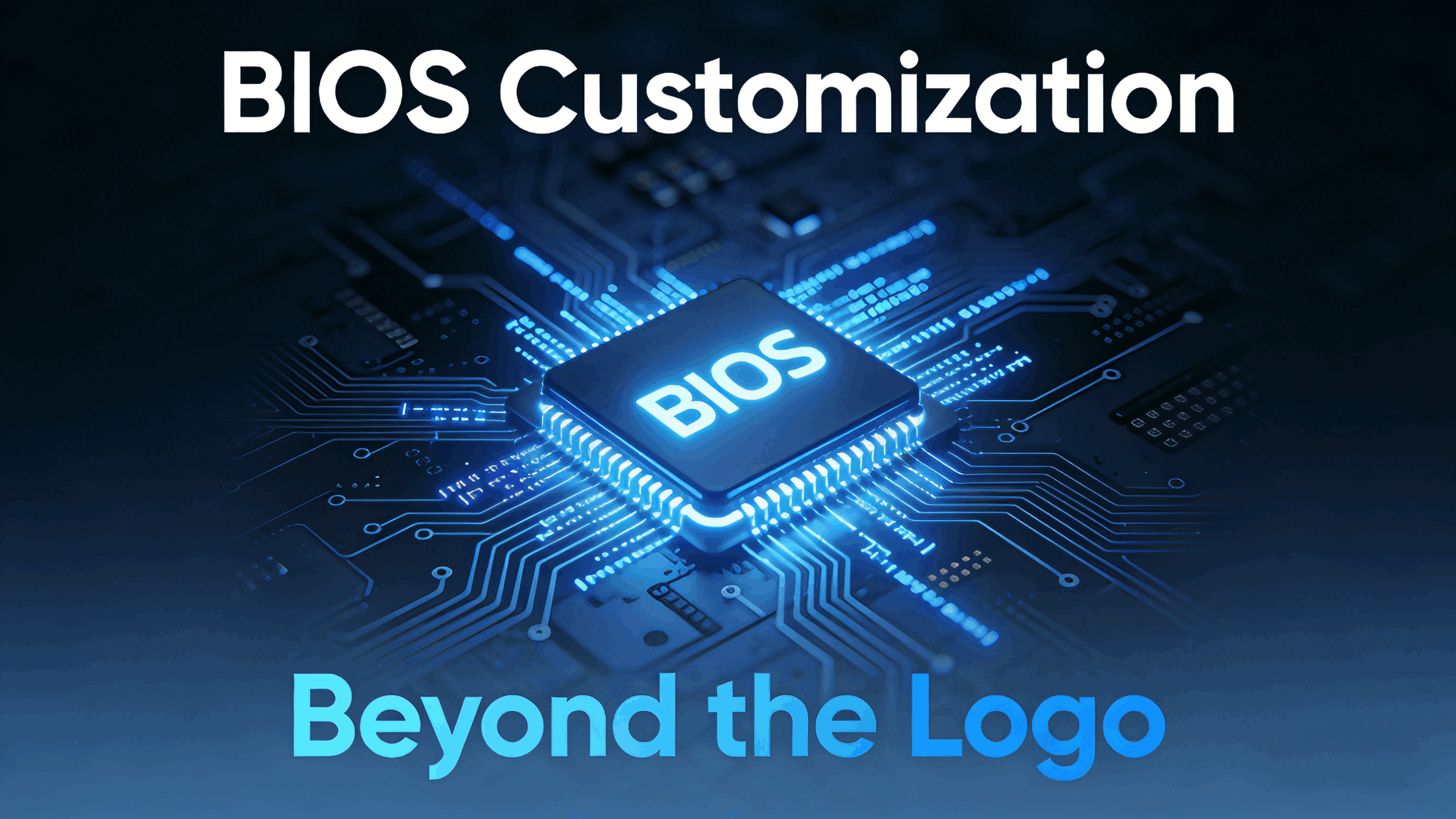
2. Hardware-Level Feature Control
BIOS is where you define what the hardware is allowed to do.
We can enable/disable:
Onboard I/O: COM, LPT, USB, SATA, PCIe slots
Integrated GPU & multi-display settings
Power rails, fan curves, thermal trip points
Memory frequency, timing profiles, down-binning options
CPU TDP configuration (for thermally constrained products)
VRM behavior and voltage guardrails
For industrial or security-focused systems (kiosks, signage players, POS terminals), disabling ports can prevent tampering.
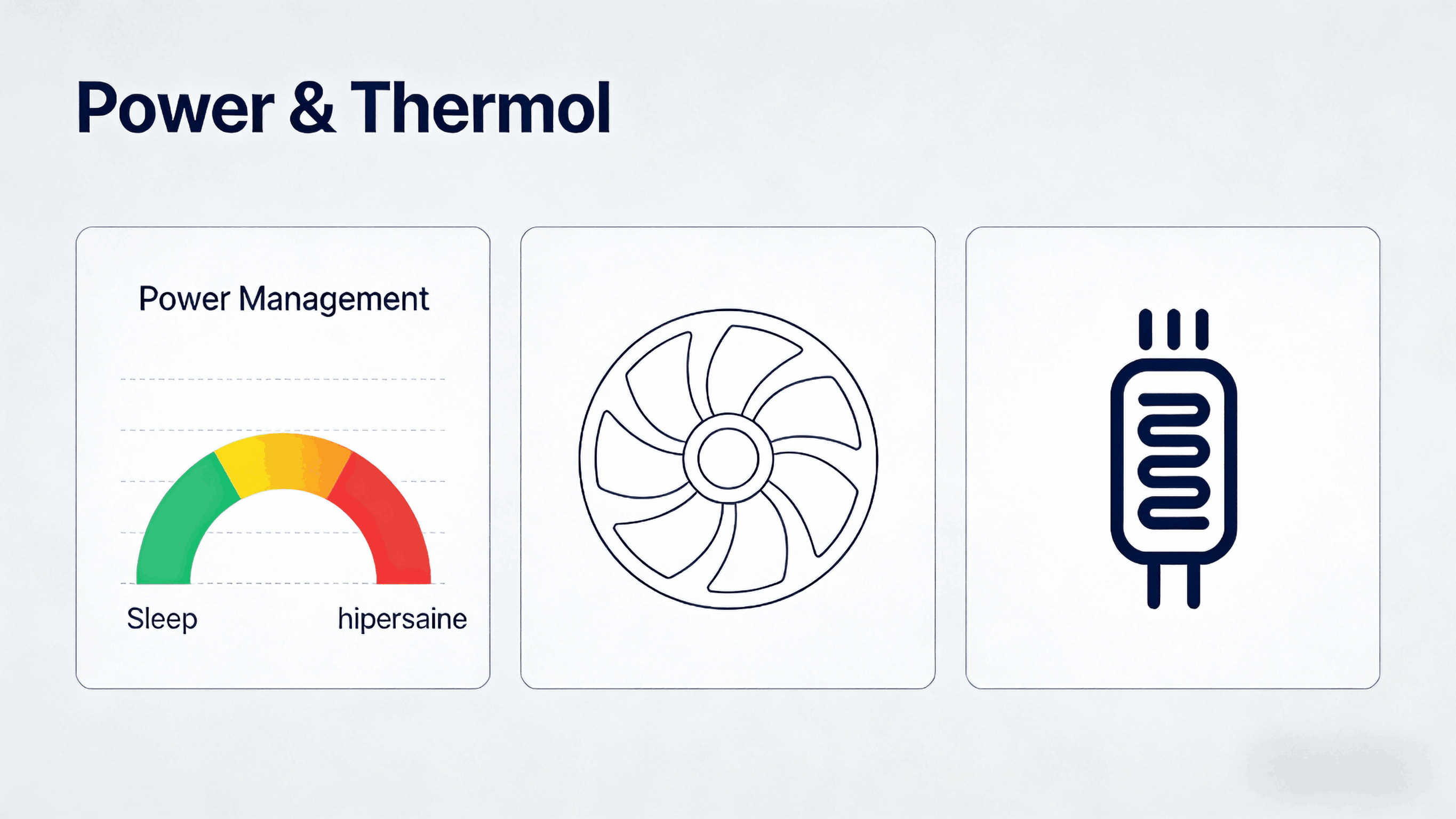
3. Power Management Policies
OEM power behavior is one of the most overlooked but impactful BIOS customizations.
We often modify:
Auto power-on after power loss (APO)
RTC scheduled power on/off
Sleep/standby/hibernate behavior
Deep S4/S5 control
PL1/PL2 limits and turbo rules
Fan curve profiles tied to chassis design
For industrial deployments or unattended devices, these settings matter more than the CPU model.

4. Security & Lockdown Configuration
BIOS is the front line when protecting firmware-level security.
Common customizations include:
Supervisor/Administrator password rules
USB boot lockout / secure boot enforcement
TPM initialization & attestation paths
BIOS write protection / region locking
Platform keys pre-loaded for OEM secure boot
Firmware rollback prevention
Many enterprise customers require this before approving a motherboard.
5. OS-Level Optimization (Before the OS Even Boots)
Some workloads benefit heavily from BIOS-level tuning:
Virtualization enablement (VT-x, IOMMU, SR-IOV)
Hypervisor optimizations
NUMA/UMA memory mode selection
PCIe bifurcation for expansion cards
Windows/Linux-specific ACPI tweaks
Custom EC/ME firmware coordination
These changes can boost boot speed, reduce crashes, and increase long-term reliability.
6. Industry-Specific Profiles
We regularly build BIOS configurations tailored for:
Industrial automation PCs
Digital signage and kiosks
Surveillance NVRs
Thin clients
Gaming PCs & eSports setups
Fanless embedded systems
Each industry has different expectations for boot behavior, power rules, and hardware lockdown.
Why Manufacturers Need BIOS Customization
Because hardware is no longer “one size fits all.”
A motherboard for a retail kiosk should not behave the same as one for a gaming desktop or edge AI server.
Custom BIOS ensures that the hardware behaves exactly how your product requires — reliably, securely, and predictably.
Why Brands Trust Angxun for BIOS Custom Work
As a manufacturer operating since 2003, we offer:
Strong Manufacturing Foundation
10,000 m² factory
500+ staff and complete engineering disciplines
5 SMT lines with SPI, AOI, automated testing
300,000+ motherboard monthly capacity
Hardware Advantages
Aluminum-base thermal solutions
All-solid capacitors
Copper-plated PCB layers
Independent CPU power stage
Zero-burning protection circuit
Dual safety voltage/current stabilizer design
Company Strengths
24 years OEM/ODM experience
CE / RoHS / FCC / ISO certified
50+ R&D engineers
Fast delivery
Guaranteed after-sales service
Because we design and manufacture the boards ourselves, BIOS customization becomes faster, safer, and more tightly integrated with the hardware.
If You’re Building Your Own Hardware Platform…
And you want:
…BIOS customization is the most underrated tool you should be using.
If you ever want a deeper guide, sample BIOS config matrix, or real customization case studies, just let me know.