Deploying servers at scale is never as simple as “rack, cable, and boot.”
In real engineering environments, teams often spend days—or weeks—debugging issues caused by driver mismatches, firmware inconsistencies, BIOS configurations, or unexpected OS behaviors.
The good news: 80% of this debugging time is preventable.
At Shenzhen Angxun Technology Co., Ltd., after working with thousands of enterprise, data center, and industrial OEM/ODM deployments since 2003, our engineering team established a proven methodology that consistently reduces debug time by 50–80%.
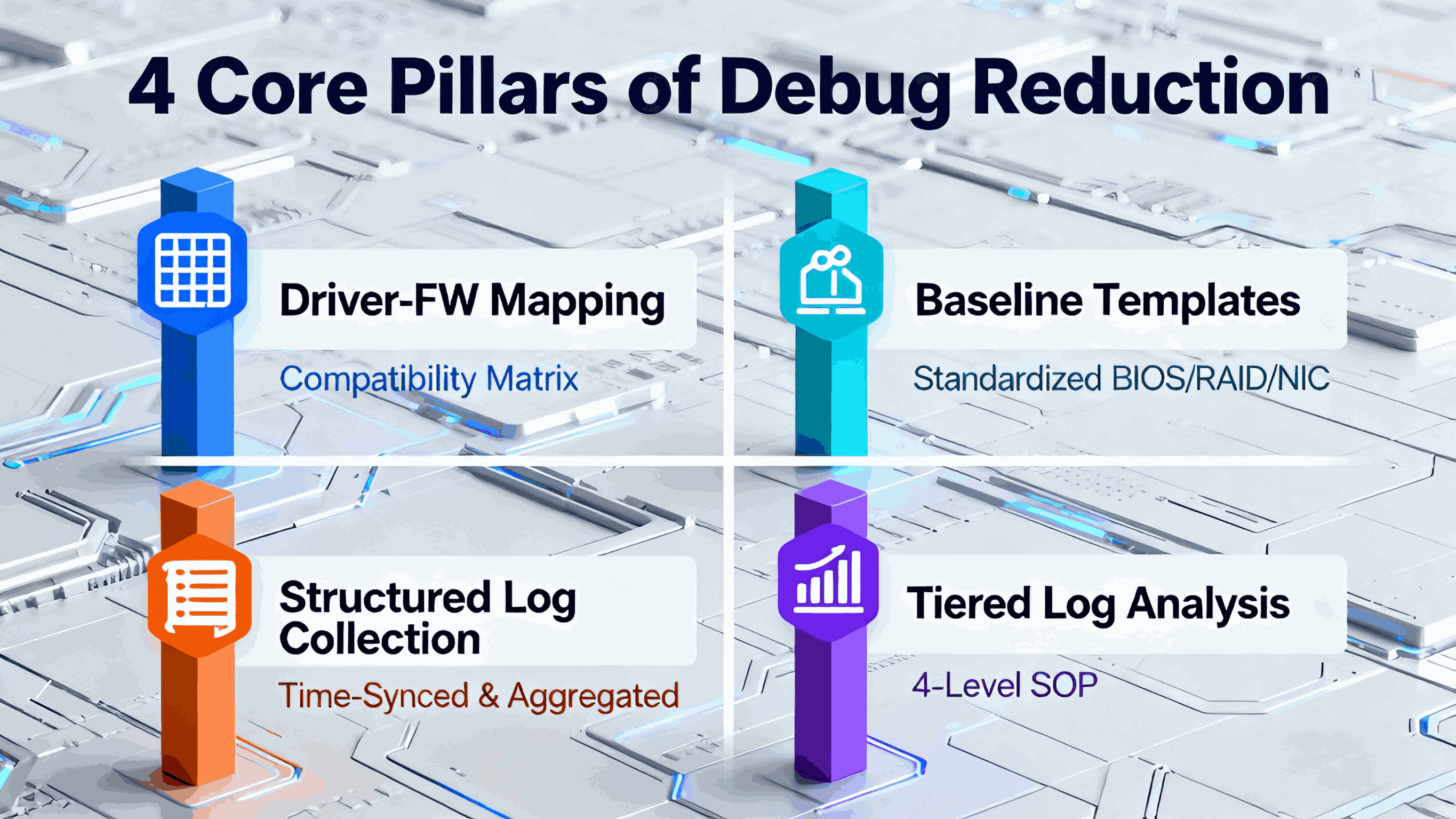
The key is a repeatable SOP, built around four pillars:
Driver & Firmware Mapping
Baseline Configuration Templates
Structured Log Collection
Tiered Log Analysis Workflow
Below is the complete methodology.
1. Driver & Firmware Mapping: The Foundation of Fast Debugging
Most deployment failures do not come from hardware—they come from driver/firmware inconsistency.
A server platform contains more than 20 updatable components:
A single mismatch can lead to:
System hangs
Unexpected reboots
NIC link flapping
RAID array mis-identification
PCIe devices disappearing
Kernel panic / ESXi PSOD / Windows Stop errors
Angxun Engineering Practice: The Driver-Firmware Matrix
We maintain a driver-firmware compatibility matrix for every motherboard platform:
CPU stepping → compatible BIOS version
BIOS version → compatible BMC version
NIC firmware → validated driver version for ESXi / Linux / Windows
RAID firmware → validated OS storage driver
OS major/minor version → known good kernel modules
This matrix reduces 60% of initial deployment bugs before they happen.
2. Baseline Configuration Templates: Eliminating Randomness
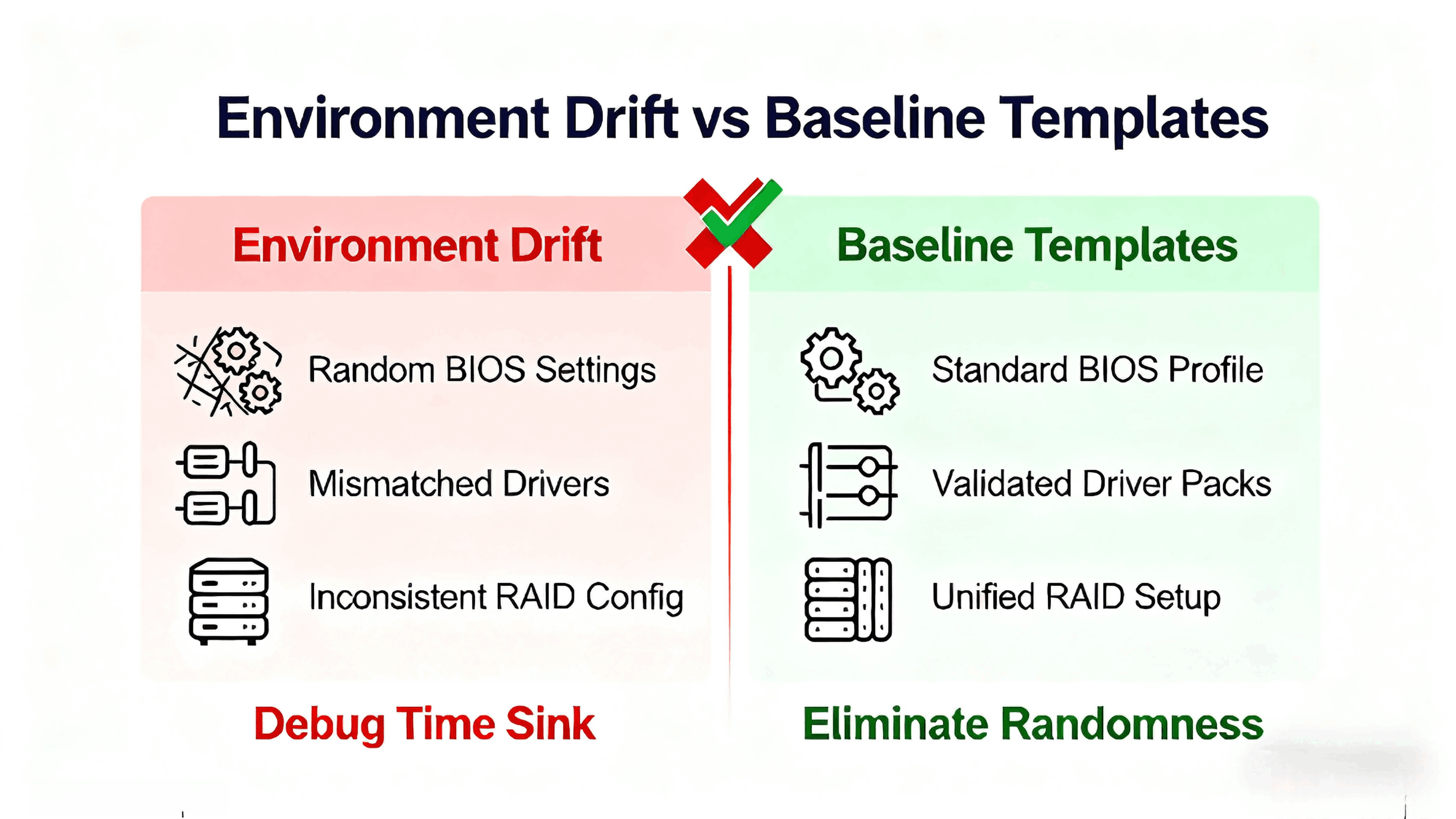
Many debugging hours come from “environment drift”—two servers seem identical but have tiny differences.
Angxun Baseline SOP Includes:
Standard BIOS setting template (power profile, virtualization, PCIe bifurcation, memory training)
RAID configuration profile (cache policies, stripe size, init behavior)
NIC configuration template (offloading modes, RSS, VLAN setup)
Standard bootloader image
Pre-installed driver pack
When every server starts from an identical, validated baseline, engineers eliminate 90% of “inconsistent configuration” bugs.
3. Structured Log Collection: Data Before Guessing
Debugging without logs is guesswork.
Debugging with structured logs is engineering.
What to Collect Automatically
OS logs:dmesg, kernel logs, system event logs
Hypervisor logs: ESXi hostd/vmkernel logs
RAID event logs: cache warnings, array degradation
NIC logs: link drops, firmware negotiation failures
BMC / IPMI logs: thermal events, voltage fluctuations
Application / service logs (optional)
Centralization Is Critical
All logs must be:
This reduces 30–40% of manual log hunting time.
4. Tiered Log Analysis SOP: From Raw Data to Root Cause
Below is Angxun’s step-by-step debugging SOP, used by our OEM/ODM support team.
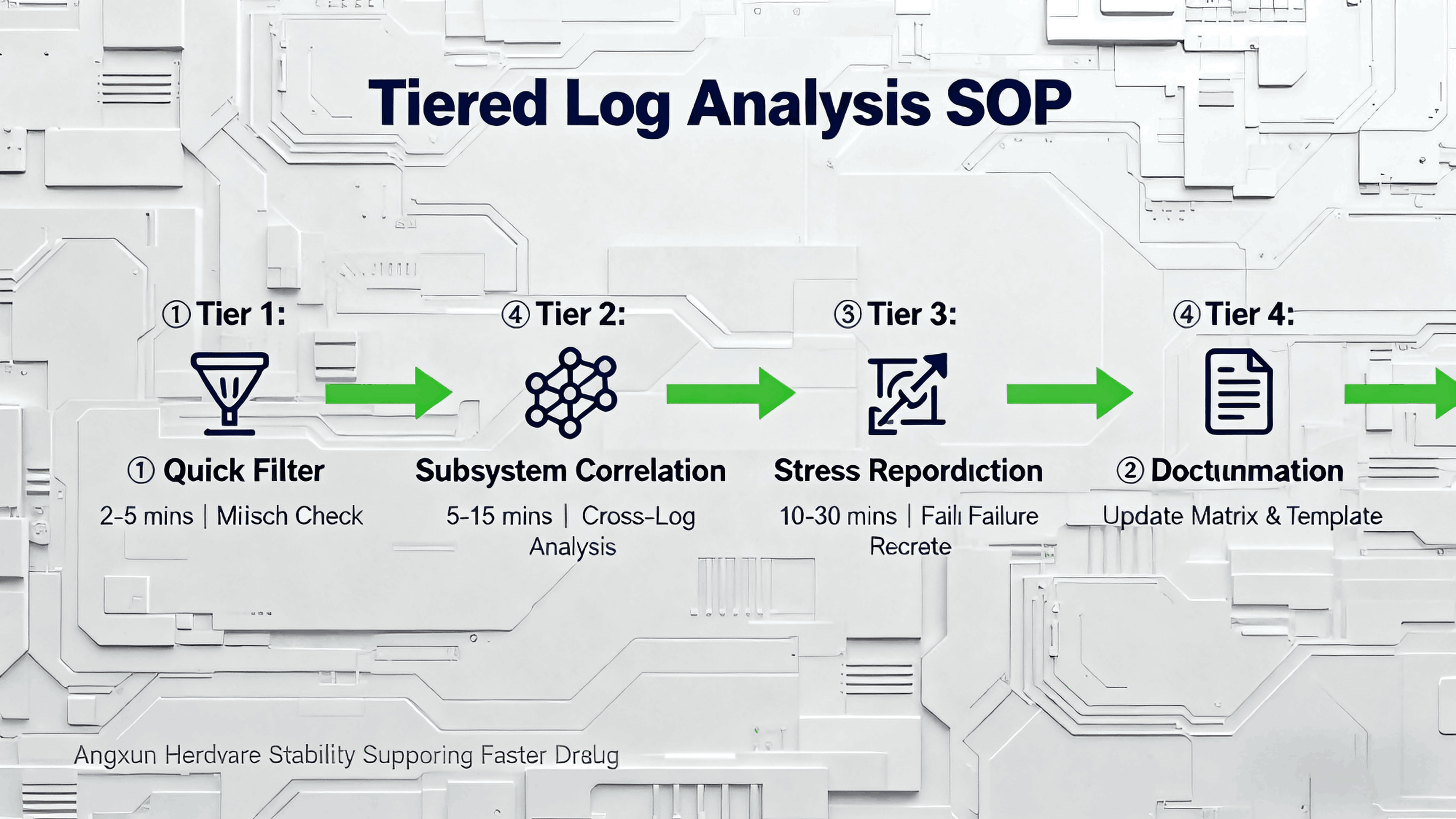
Tier 1: Quick Filter (2–5 minutes)
Check SN → retrieve full component history
Verify driver/firmware versions vs matrix
Compare BIOS/BMC versions with baseline template
Identify obvious mismatches (most common!)
This step alone fixes 50%+ of deployment issues.
Tier 2: Subsystem Correlation (5–15 minutes)
Engineers correlate logs across:
Storage
Networking
Power/thermal
Kernel
Hardware sensors
Examples:
NIC link flap → matches known bad driver pair
RAID timeouts → incompatible firmware
Kernel panic → CPU stepping mismatch requiring older microcode
Tier 3: Stress Reproduction (10–30 minutes)
If needed:
Once reproduced, root cause is obvious.
Tier 4: Documentation & Matrix Update
Every solved issue updates:
This ensures the same bug will never waste time again.
Why Angxun’s Hardware Accelerates Debug Reduction
Because debugging is not only a software problem—hardware design matters.
Angxun motherboard advantages
High-efficiency aluminum thermal base improves stability during firmware flashing
All-solid capacitors and PCB copper plating ensure clean power and signal integrity
Independent CPU power supply reduces brownout-caused boot failures
Zero-burning protection circuit improves safety during incorrect firmware updates
Dual-power safety architecture stabilizes voltage during heavy load or reboot cycles
These hardware protections mean:
PREVIOUS:Why Do Servers Fail “Only at Night”?
NEXT:ESXi vs. Linux vs. Windows Server — How Hardware Compatibility Actually Differs