When selecting or designing a server motherboard, hardware buyers, CTOs, system integrators, and OEM engineers frequently face the same question:
Which server components must be high-end for long-term performance and stability, and where can hardware cost be safely reduced without impacting reliability?
This guide provides a practical cost-benefit analysis of server motherboard components, helping organizations make smarter purchasing decisions, reduce failure rates, and improve system ROI. The insights apply to enterprise servers, data centers, edge computing systems, virtualization hosts, industrial PCs, and OEM embedded hardware.
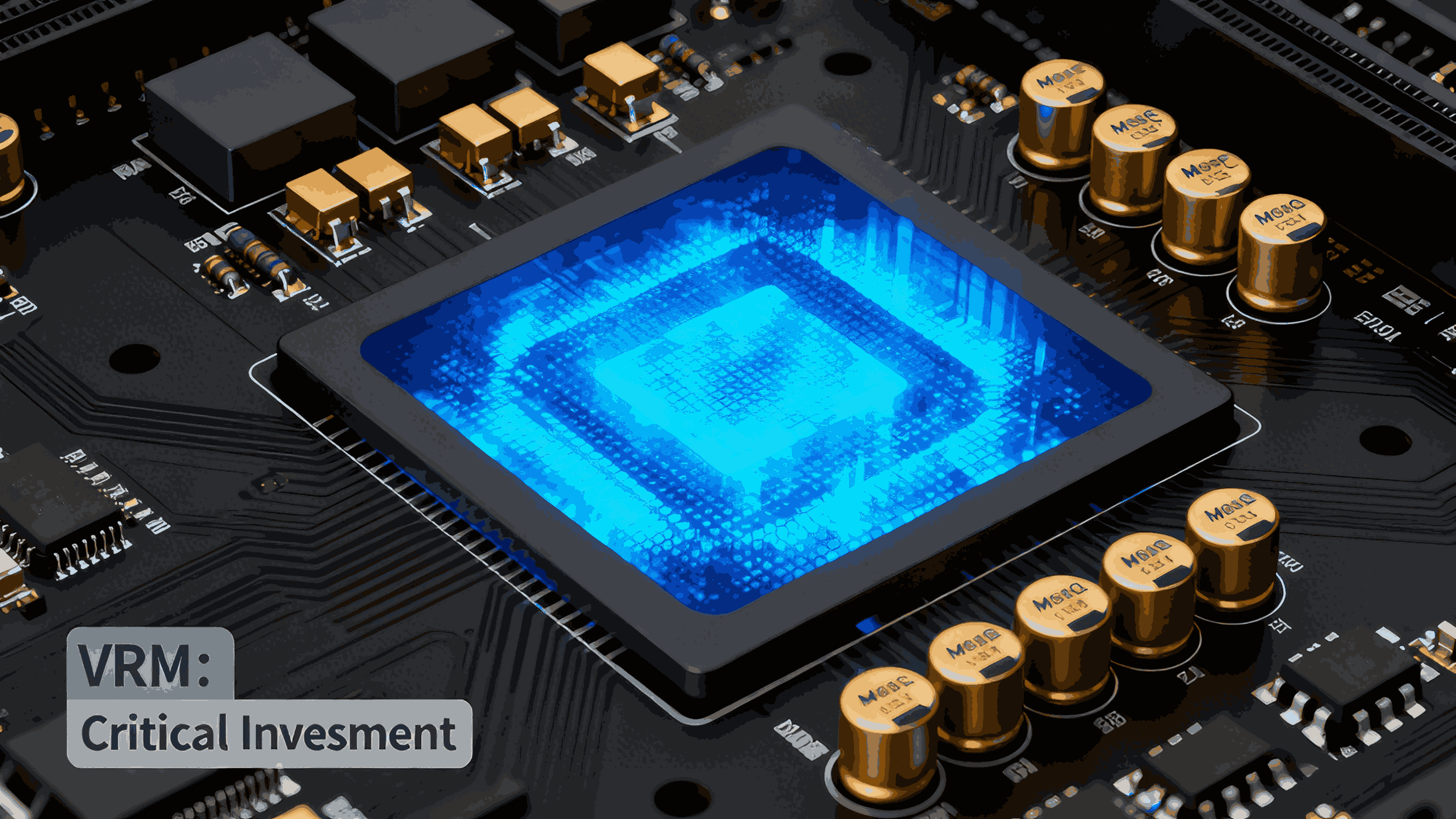
1. VRM / Power Delivery – The #1 Component You Should Never Cheap Out On
The VRM (Voltage Regulator Module) is the most critical hardware component for server stability. It converts 12V input power into clean, consistent low-voltage power for the CPU.
Why VRM quality matters
High-performance server workloads generate:
Low-quality VRMs result in:
What to invest in
High-current MOSFETs
Robust multi-phase VRM layout
Quality polymer capacitors
Proper heatsinks and thermal pads
If the goal is 99.9% uptime, VRM quality is the first investment priority.
2. PCB Layer Count and Stack-Up – Foundation of Signal Integrity
The server motherboard PCB determines electrical performance, EMI resistance, thermal behavior, and reliability over years of operation.
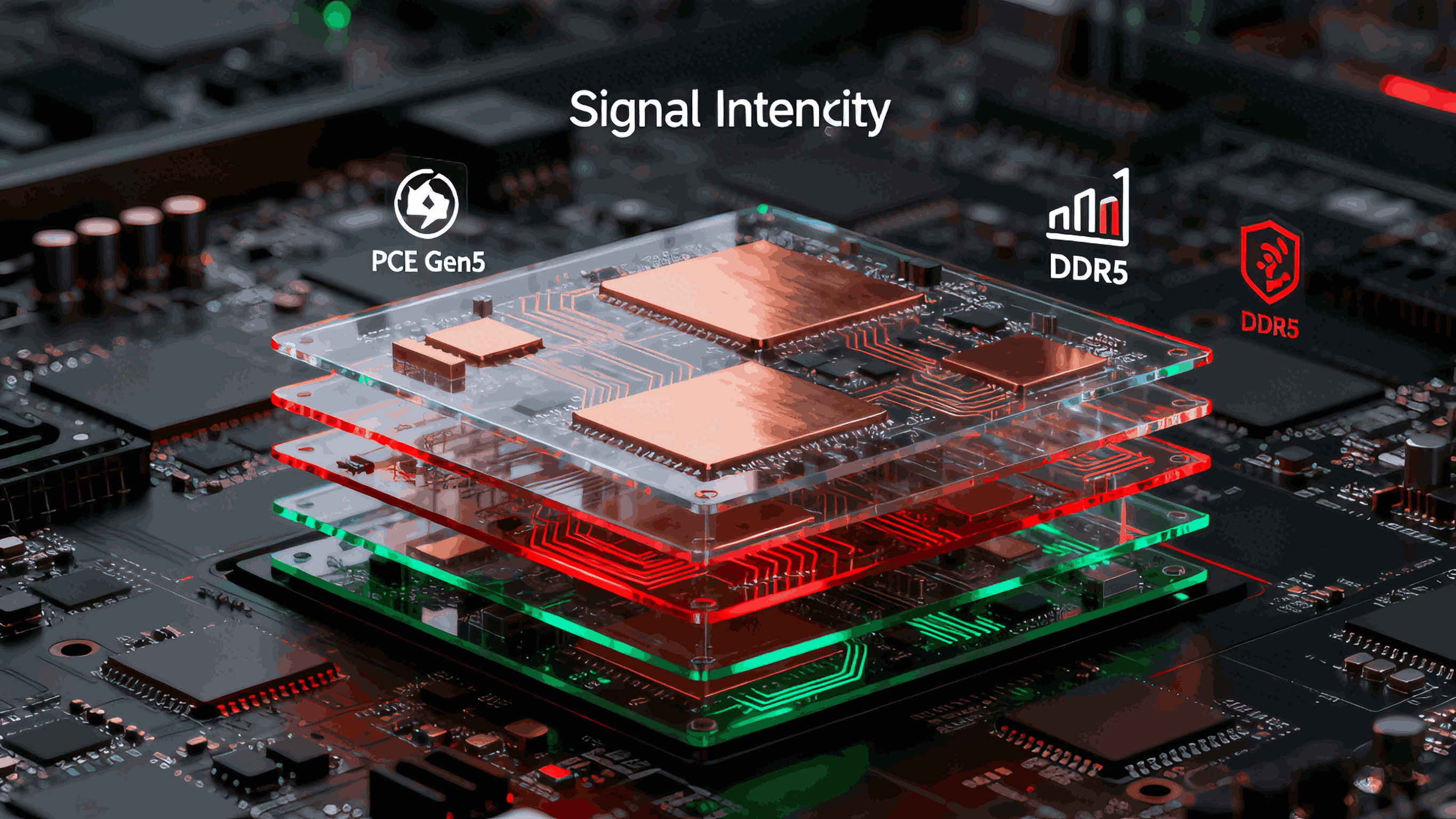
Why PCB quality impacts performance
Modern servers must support:
PCIe Gen4 / Gen5
High-speed NVMe SSDs
DDR4 / DDR5 memory
Multiple I/O buses
These require:
Controlled impedance
Clean power planes
Low signal interference
Best practices
Higher PCB quality reduces:
Motherboard warping
Crosstalk
Signal degradation
Long-term failure rates
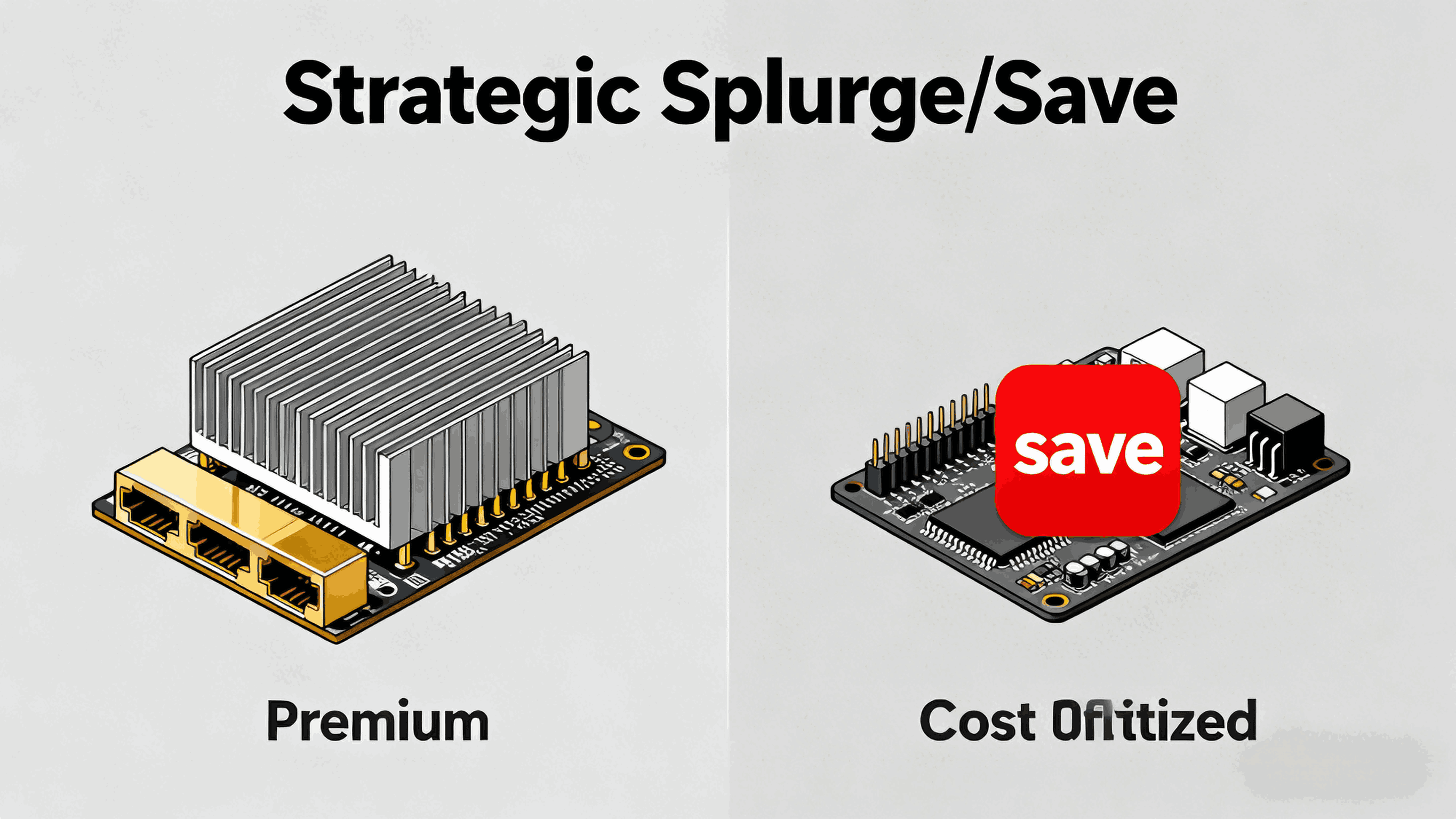
3. Networking Controllers – Spend More If Network Performance Matters
The LAN controller (NIC) is often overlooked, but it significantly affects server throughput, CPU load, and latency.
Premium NIC benefits
Higher-end networking chips offer:
Lower network latency
Better TCP/UDP offloading
Reduced CPU interrupt overhead
Improved driver stability
Support for enterprise features like SR-IOV, PXE, WOL, and remote management
When you should spend more
When budget LAN chips are acceptable
Cost should match throughput needs.
4. Chipset and PCIe I/O – Invest Based on Real Requirements
The chipset defines PCIe lanes, NVMe ports, USB bandwidth, SATA channels, and storage expansion options.
Over-investing example
Buying a board with:
40+ PCIe lanes
4 NVMe channels
10GbE support
…when the application only needs one SSD and a single network port leads to unnecessary BOM cost.
Under-investing example
Choosing a low-end chipset may cause:
Match chipset capability to your deployment roadmap.
5. BIOS and Firmware – Hidden but Critical to Server Stability
Firmware quality often determines whether a server is reliable in the real world.
A strong BIOS/BMC stack results in:
Better memory compatibility
Stable CPU microcode
Clean ACPI power-state handling
Reduced deployment issues
Lower support and maintenance costs
Many “hardware failures” are actually:
Firmware maturity should be a major evaluation criterion when selecting a server motherboard supplier.
6. Components Where You Can Save Money
Many features have little impact on server performance or reliability.
Safe areas to reduce cost
In OEM and enterprise deployments, removing unnecessary consumer features often reduces cost by 15–25% without affecting uptime.
Priority Investment Ranking
If system reliability is the priority:
VRM and power design
PCB stack-up and layer count
Firmware maturity
NIC/Networking controller
If cost optimization is the priority:
Save money on:
Conclusion
A server motherboard’s real value comes from engineering decisions that affect long-term service life—not simply the marketing specifications on a product sheet.
The smartest purchasing strategy is:
Invest heavily in components that affect electrical stability and long-term performance. Save cost in areas that users and workloads won’t notice.
Companies that apply this approach typically see:
Lower defect and RMA rates
Higher uptime in mission-critical workloads
Lower total cost of ownership
Longer deployment cycles before refresh is required